June 24, 2026 09:29 by
 Peter
PeterFor a while now, I have been investigating ASP.Net Session Timeouts. Those of you who work on web applications have undoubtedly seen unexpected timeouts that cause the application to restart abruptly; frequently, these timeouts seem to happen for no obvious reason.
Here, I offer a quick checklist that could be useful when addressing such problems.

Causes for Session Timeout could vary from:
- Modification in Machine.Config, Web.Config or Global.asax files
- Application's bin directory or its contents modified
- Antivirus is running on the .config /.aspx files
- The number of re-compilations (aspx, ascx or asax) exceeds the limit specified by the <compilation numRecompilesBeforeAppRestart=/> setting in machine.config or web.config (by default this is set to 15)
- The physical path of the virtual directory is modified
- The CAS policy is modified
- Sub-Directories of Application are deleted or renamed
New to ASP.Net 2.0 -The 7th point of Sub directories. i.e. Whenever you delete or rename a sub-directory of your application, the application domain is recycled, terminating all users' sessions (and the cache, etc). This is a big performance hit. This behavior affects dramatically sites that allow document publishing, to the point where they stop functioning. Imagine a situation where a request creates a thread that goes through sub-directories of the application and deletes / renames them - without knowing about this 2.0 application domain recycling policy, chances are that the worker thread in question will not complete because the domain is recycled and the thread aborted.
Huge Performance Hit
Above results in recycling of Application Domain. At the next request all assemblies need to be reloaded, the cache including any in-proc session variables etc. are empty causing a big performance hit for the application.
Remedies/ solutions
App domain restarts
If you suspect app domain restarts (i.e. your sessions seem to expire without obvious reasons), you will be interested to know when the restarts happen and what's causing them.
In ASP.Net 2.0 add the following element in global web.config file (C:\WINDOWS\Microsoft.NET\Framework\v2.0.50727\CONFIG) as a child of the <healthMonitoring><rules> elements:
<healthMonitoring>
<rules>
<add name="Application Lifetime Events Default" eventName="Application Lifetime Events"
provider="EventLogProvider" profile="Default" minInstances="1" maxLimit="Infinite"
minInterval="00:01:00" custom="" />
</rules>
</healthMonitoring>
This will log system events that provide the time and the reason of the restart (such as: Application is shutting down. Reason: Configuration changed.)
In ASP.Net 1.1, see
If the timeout error message reads as follows:
"System.Web.HttpException: Request timed out."
Check for <httpRuntime executionTimeout/> in appication's Web.config file
executionTimeout - Specifies the maximum number of seconds that a request is allowed to execute before being automatically shut down by ASP.NET.
You can change this setting in machine.config to affect all applications on your site, or you can override the settings in your application-specific web.config as follows:
<system.web>
<httpRuntime executionTimeout="900" />
</system.web>
Note: This time-out applies only if the debug attribute in the compilation element is False. If the debug attribute is True, to help avoiding application shut-down while you are debugging, do not set this time-out to a large value.
The default values in seconds
In the .NET Framework 2.0 = 110.
In the .NET Framework 1.0 and 1.1= 90.
Set the Session timeout in IIS Manager in default website also.
Go to IIS Manager, right click on the virtual directory and choose properties.
Now go to virtual directory tab, click Configuration button.
A dialog box will appears. Choose AppOptions tab. Set the session timeout that u need. This will solve the problem. If you are getting the same problem again then set the same thing for Default WebSite also.
Remove the session timeout check in IIS, then the timeout will be read from the web.config.
Add following code in the web.config of your application file under <system.web>
<sessionState cookieless="false" timeout="330"/>
For random session timeouts, timeout occurring before the value set in sessionstate and idle timeouts, check if the application pool in IIS 6.0 has any 'Memory recycling' values selected and they are set up to some low sizes both for virtual or used memoray.
Ex-If 200 Mb is set and the application reaches this limit in 5 minutes, the recycle happens and any sessions will be thus killed sooner than expected. See the figure below
June 17, 2026 09:01 by
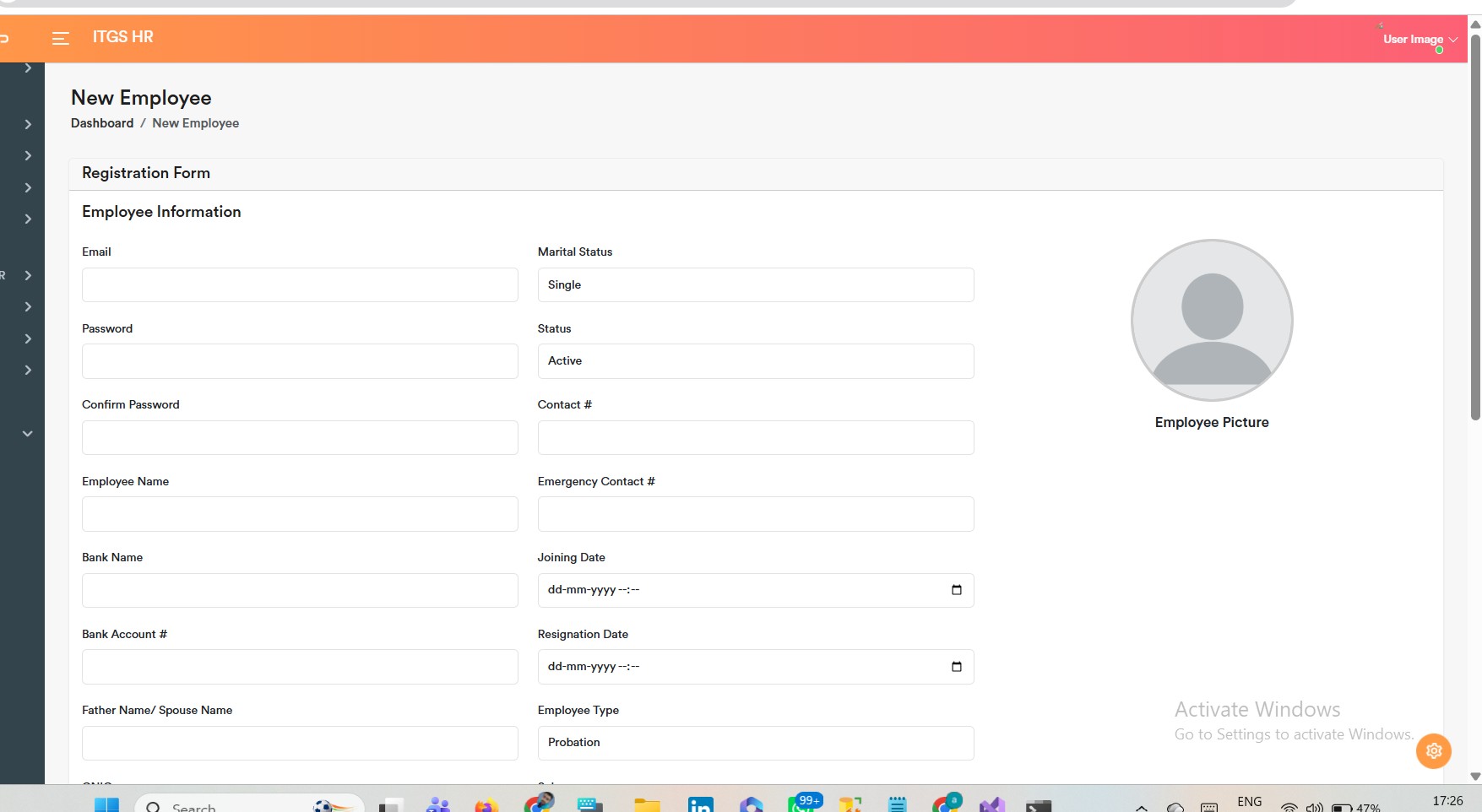
PeterSystems for managing human resources (HRMS) are crucial for contemporary businesses. They automate hiring, payroll, personnel records, and attendance. The open-source HRM project shows how to use SQL Server, Entity Framework Core, and ASP.NET Core MVC to create a comprehensive HRMS.
Step 1: Environment Setup
- Install Visual Studio 2022 with ASP.NET workload.
- Install SQL Server and SSMS.
- Clone the repository
- Open the solution in Visual Studio.
Step 2: Database Configuration
- Update appsettings.json with your SQL Server connection string.
- Run EF Core migrations:
Update-Database
-
This creates tables like AspNetUsers, AspNetRoles, Companies, Departments, Designations.
Step 3: Authentication & Roles
- The project uses ASP.NET Identity.
- Roles: Admin, HR, Manager, Employee.
- Login page: /Identity/Account/Login.
- Debugging tip: Place a breakpoint in Login.cshtml.cs → OnPostAsync() to inspect validation.
Step 4: Admin Module
- Dashboard → Overview of employees, departments, payroll.
- Companies → CRUD for company records.
- Departments → CRUD linked to companies.
- Designations → CRUD linked to companies.
- Role Management → Assign roles to users.
Step 5: HR Module
- Employee Management → Add, edit, delete employees.
- Attendance → Mark daily attendance.
- Leave Requests → Approve/reject employee leave.
- Recruitment → Generate offer letters, onboarding workflows.
Step 6: Manager Module
- Team Dashboard → View team members and performance.
- Approve Leave → Approve/reject leave requests.
- Reports → Attendance and performance reports.
Step 7: Employee Module
- Profile → View/update personal details.
- Attendance → Mark attendance.
- Leave Application → Submit leave requests.
- Salary Slip → View/download salary slips.
- Offer Letter → View recruitment documents.
Step 8: Payroll & Reports
- Payroll Management → Salary calculation, deductions, bonuses.
- Salary Slips → Generate and export slips.
- Reports → Attendance, payroll, performance analytics.
Step 9: Deployment
- Publish to IIS or Azure.
- Configure connection strings for production.
- Secure sensitive data with Azure Key Vault or environment variables.
Admin Module – Companies, Departments, Designations
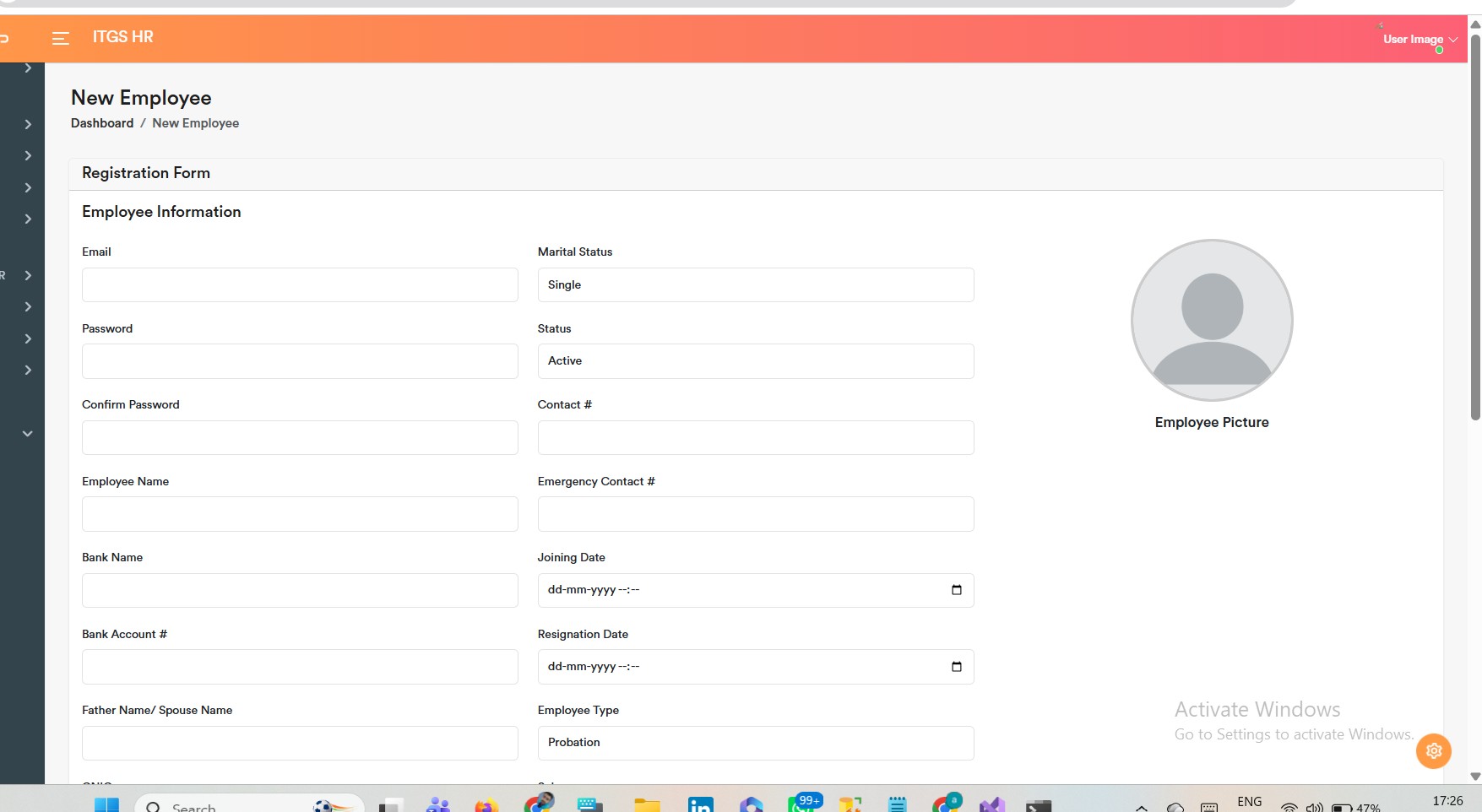
Companies Page
Step 1: Model
public class Company
{
public int Id { get; set; }
public string Name { get; set; }
public int LocId { get; set; }
public string Address { get; set; }
public Location Location { get; set; }
public ICollection<Department> Departments { get; set; }
}
Step 2: Controller
public class CompaniesController : Controller
{
private readonly ApplicationDbContext _context;
public CompaniesController(ApplicationDbContext context) => _context = context;
public async Task<IActionResult> Index()
{
var companies = await _context.Companies.Include(c => c.Location).ToListAsync();
return View(companies);
}
public IActionResult Create() => View();
[HttpPost]
public async Task<IActionResult> Create(Company company)
{
if (ModelState.IsValid)
{
_context.Add(company);
await _context.SaveChangesAsync();
return RedirectToAction(nameof(Index));
}
return View(company);
}
}
Step 3: View
@model IEnumerable<Company>
<h2>Companies</h2>
<table class="table">
<tr><th>Name</th><th>Location</th><th>Address</th></tr>
@foreach (var c in Model)
{
<tr>
<td>@c.Name</td>
<td>@c.Location.Name</td>
<td>@c.Address</td>
</tr>
}
</table>
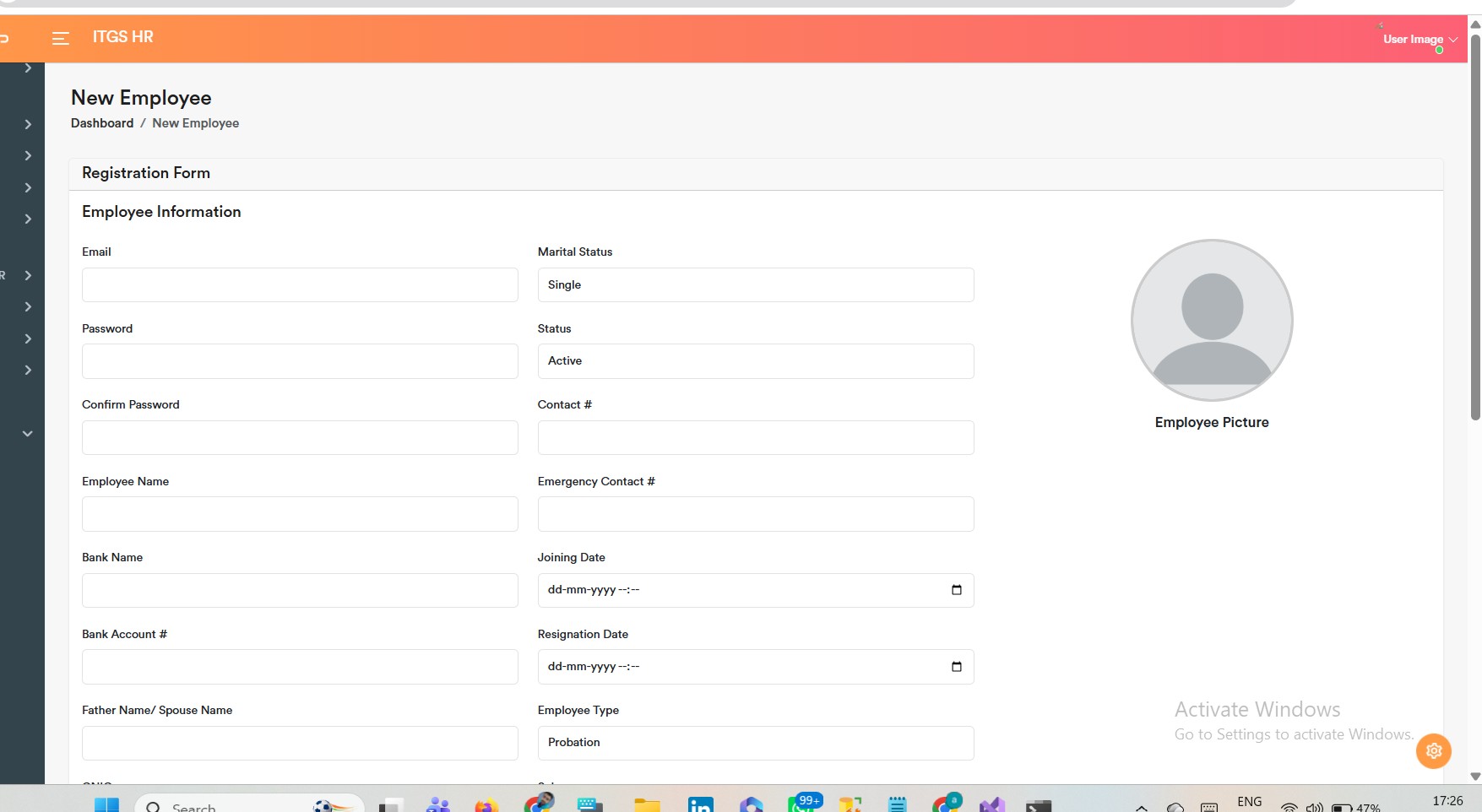
Departments Page
Step 1: Model
public class Department
{
public int Id { get; set; }
public string Name { get; set; }
public int CompanyId { get; set; }
public Company Company { get; set; }
}
Step 2: Controller
public class DepartmentsController : Controller
{
private readonly ApplicationDbContext _context;
public DepartmentsController(ApplicationDbContext context) => _context = context;
public async Task<IActionResult> Index()
{
var departments = await _context.Departments.Include(d => d.Company).ToListAsync();
return View(departments);
}
public IActionResult Create() => View();
[HttpPost]
public async Task<IActionResult> Create(Department department)
{
if (ModelState.IsValid)
{
_context.Add(department);
await _context.SaveChangesAsync();
return RedirectToAction(nameof(Index));
}
return View(department);
}
}
Step 3: View
@model IEnumerable<Department>
<h2>Departments</h2>
<table class="table">
<tr><th>Name</th><th>Company</th></tr>
@foreach (var d in Model)
{
<tr>
<td>@d.Name</td>
<td>@d.Company.Name</td>
</tr>
}
</table>
Designations Page
Step 1: Model
public class Designation
{
public int Id { get; set; }
public string Name { get; set; }
public int CompanyId { get; set; }
public Company Company { get; set; }
}
Step 2: Controller
public class DesignationsController : Controller
{
private readonly ApplicationDbContext _context;
public DesignationsController(ApplicationDbContext context) => _context = context;
public async Task<IActionResult> Index()
{
var designations = await _context.Designations.Include(d => d.Company).ToListAsync();
return View(designations);
}
public IActionResult Create() => View();
[HttpPost]
public async Task<IActionResult> Create(Designation designation)
{
if (ModelState.IsValid)
{
_context.Add(designation);
await _context.SaveChangesAsync();
return RedirectToAction(nameof(Index));
}
return View(designation);
}
}
Step 3: View
@model IEnumerable<Designation>
<h2>Designations</h2>
<table class="table">
<tr><th>Name</th><th>Company</th></tr>
@foreach (var d in Model)
{
<tr>
<td>@d.Name</td>
<td>@d.Company.Name</td>
</tr>
}
</table>
Employee Model
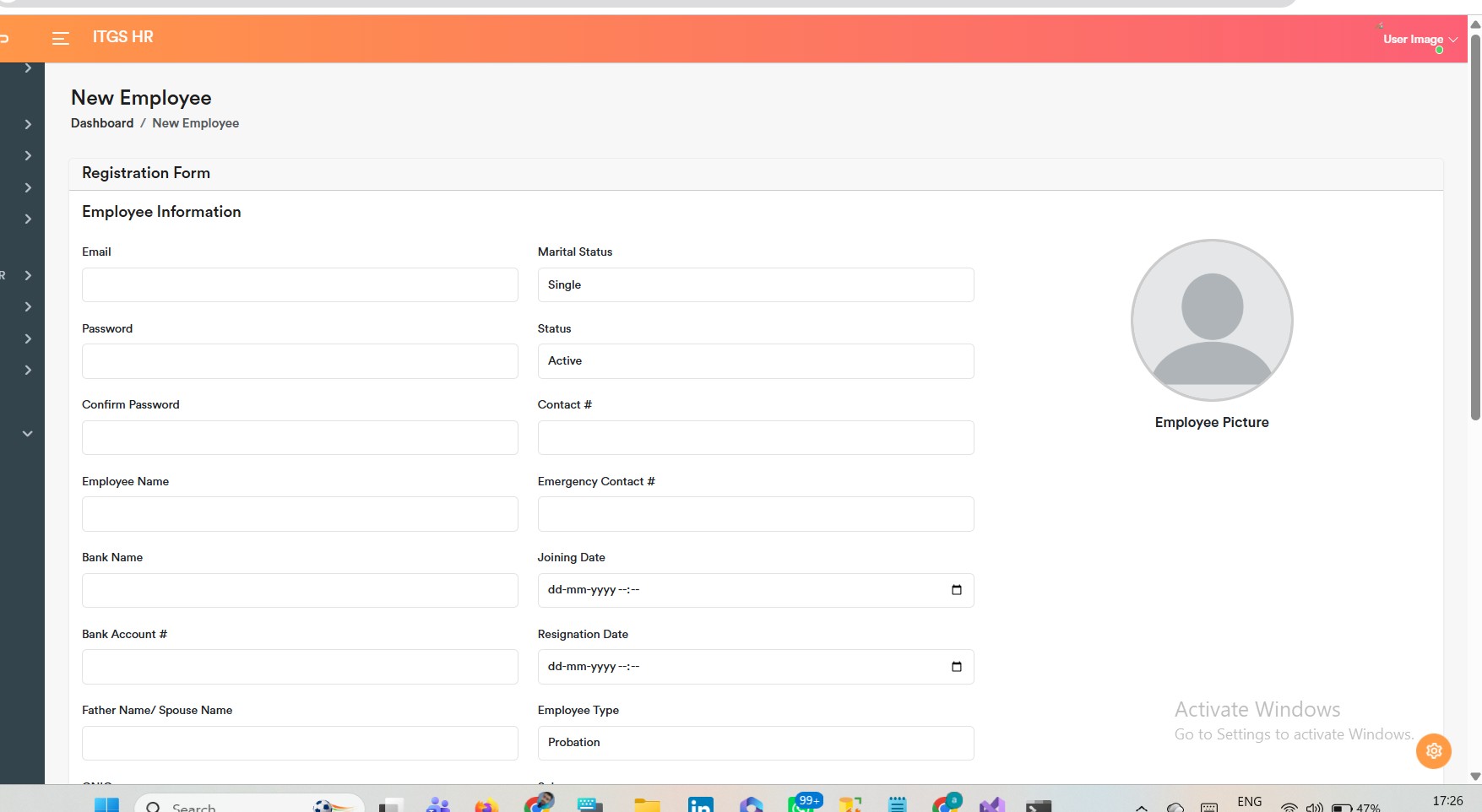
Define the employee entity with relationships to company, department, and designation:
public class Employee
{
public int Id { get; set; }
public string FullName { get; set; }
public string Email { get; set; }
public string Phone { get; set; }
public int CompanyId { get; set; }
public Company Company { get; set; }
public int DepartmentId { get; set; }
public Department Department { get; set; }
public int DesignationId { get; set; }
public Designation Designation { get; set; }
public DateTime JoiningDate { get; set; }
}
Employee Controller
Create an MVC controller to handle CRUD operations:
public class EmployeesController : Controller
{
private readonly ApplicationDbContext _context;
public EmployeesController(ApplicationDbContext context) => _context = context;
// List all employees
public async Task<IActionResult> Index()
{
var employees = await _context.Employees
.Include(e => e.Company)
.Include(e => e.Department)
.Include(e => e.Designation)
.ToListAsync();
return View(employees);
}
// Create employee
public IActionResult Create()
{
ViewBag.Companies = new SelectList(_context.Companies, "Id", "Name");
ViewBag.Departments = new SelectList(_context.Departments, "Id", "Name");
ViewBag.Designations = new SelectList(_context.Designations, "Id", "Name");
return View();
}
[HttpPost]
public async Task<IActionResult> Create(Employee employee)
{
if (ModelState.IsValid)
{
_context.Add(employee);
await _context.SaveChangesAsync();
return RedirectToAction(nameof(Index));
}
return View(employee);
}
// Edit employee
public async Task<IActionResult> Edit(int id)
{
var employee = await _context.Employees.FindAsync(id);
if (employee == null) return NotFound();
ViewBag.Companies = new SelectList(_context.Companies, "Id", "Name", employee.CompanyId);
ViewBag.Departments = new SelectList(_context.Departments, "Id", "Name", employee.DepartmentId);
ViewBag.Designations = new SelectList(_context.Designations, "Id", "Name", employee.DesignationId);
return View(employee);
}
[HttpPost]
public async Task<IActionResult> Edit(Employee employee)
{
if (ModelState.IsValid)
{
_context.Update(employee);
await _context.SaveChangesAsync();
return RedirectToAction(nameof(Index));
}
return View(employee);
}
// Delete employee
public async Task<IActionResult> Delete(int id)
{
var employee = await _context.Employees.FindAsync(id);
if (employee == null) return NotFound();
_context.Employees.Remove(employee);
await _context.SaveChangesAsync();
return RedirectToAction(nameof(Index));
}
}
Employee Views
Index.cshtml
@model IEnumerable<Employee>
<h2>Employees</h2>
<a asp-action="Create" class="btn btn-primary">Add Employee</a>
<table class="table">
<tr>
<th>Name</th><th>Email</th><th>Phone</th>
<th>Company</th><th>Department</th><th>Designation</th><th>Joining Date</th><th>Actions</th>
</tr>
@foreach (var e in Model)
{
<tr>
<td>@e.FullName</td>
<td>@e.Email</td>
<td>@e.Phone</td>
<td>@e.Company.Name</td>
<td>@e.Department.Name</td>
<td>@e.Designation.Name</td>
<td>@e.JoiningDate.ToShortDateString()</td>
<td>
<a asp-action="Edit" asp-route-id="@e.Id">Edit</a> |
<a asp-action="Delete" asp-route-id="@e.Id">Delete</a>
</td>
</tr>
}
</table>
Create.cshtml
@model Employee
<h2>Add Employee</h2>
<form asp-action="Create">
<div class="form-group">
<label>Name</label>
<input asp-for="FullName" class="form-control" />
</div>
<div class="form-group">
<label>Email</label>
<input asp-for="Email" class="form-control" />
</div>
<div class="form-group">
<label>Phone</label>
<input asp-for="Phone" class="form-control" />
</div>
<div class="form-group">
<label>Company</label>
<select asp-for="CompanyId" asp-items="ViewBag.Companies" class="form-control"></select>
</div>
<div class="form-group">
<label>Department</label>
<select asp-for="DepartmentId" asp-items="ViewBag.Departments" class="form-control"></select>
</div>
<div class="form-group">
<label>Designation</label>
<select asp-for="DesignationId" asp-items="ViewBag.Designations" class="form-control"></select>
</div>
<div class="form-group">
<label>Joining Date</label>
<input asp-for="JoiningDate" type="date" class="form-control" />
</div>
<button type="submit" class="btn btn-success">Save</button>
</form>